Registration
Open House Weekend
How Registration Works (Please Read)
Registration happens directly through our scheduling system. It’s a few steps, but once you know the flow, it’s straightforward.
Step 1: Choose Your Pass
Click on the option you want below (Weekend, Day Pass, or Single Session).
Each option will take you to our scheduling website.
Step 2: Create an Account + Complete Payment
On the scheduling site:
Create an account (if you don’t already have one)
Follow the on-screen instructions
Complete your payment
Your purchase gives you credits, which you’ll use to book sessions.
Step 3: Book Your Sessions
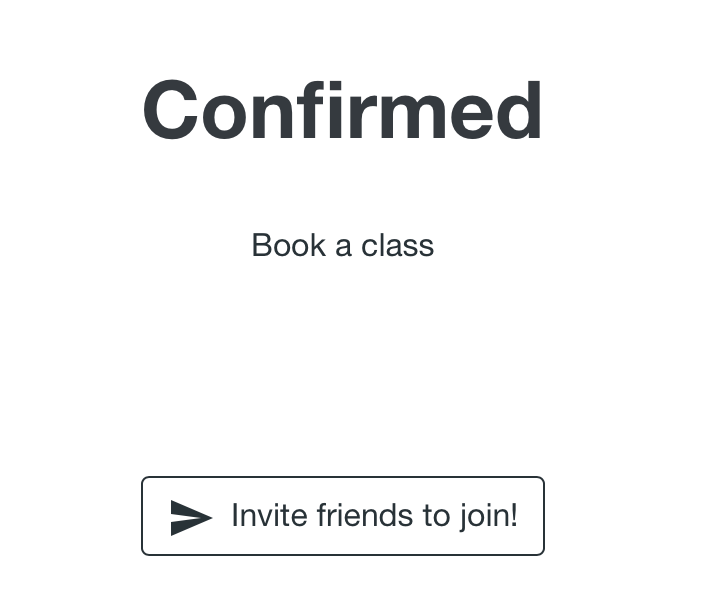
After payment, you’ll land on a confirmation page.
On that page:
Click “Book a Class”
Navigate to the dates of the Open House Weekend
Sign up for the sessions you want to attend
Note: You’ll need to book each session one at a time. After completing a booking, use the small links that say “Book another spot” or “Back to schedule” to return and select your next session. This is a bit repetitive for full-day or full-weekend passes, but it’s a limitation in the system.
Important Notes About Credits
Weekend Pass:
You can book sessions across Friday, Saturday, and Sunday.
Day Pass (Saturday or Sunday):
Please only book sessions on the day you purchased.
Single Session:
You may choose any one session on any day.
You can purchase multiple single-session passes if you’d like to attend more than one session.
If you have any trouble navigating the scheduling site or booking your sessions, don’t worry — instructions will also appear there, and we’re happy to help if needed.